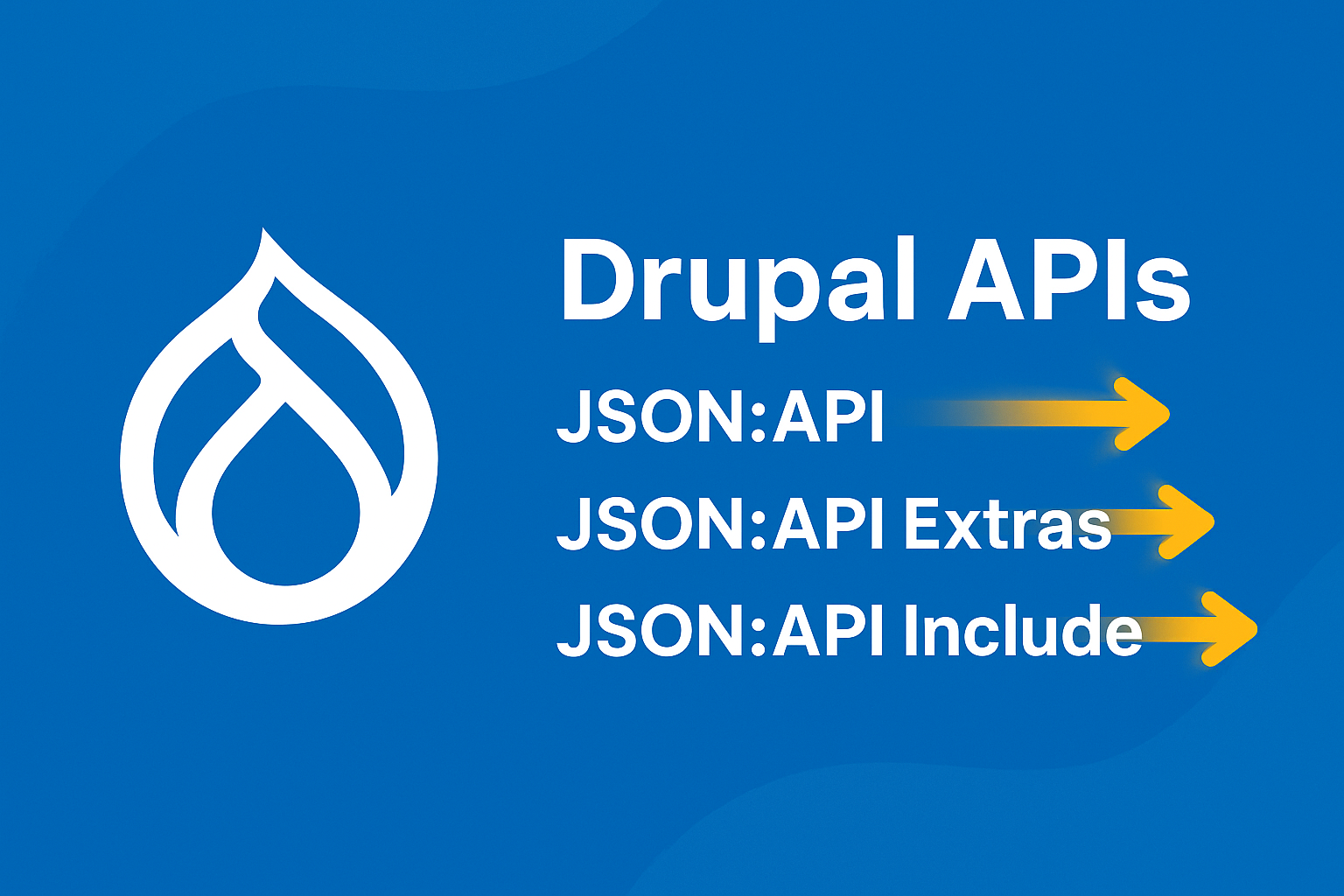
Drupal APIs: JSON:API, JSON:API Extras & JSON:API Include
Drupal has evolved far beyond its identity as a traditional CMS. Today, it's a powerful headless / decoupled platform used to power mobile apps, SPAs, microservices, and multi-channel digital experiences.
At the core of this evolution lies one of Drupal’s most significant features:
The JSON:API ecosystem
This includes:
JSON:API (core)
JSON:API Extras (contrib module)
JSON:API Include (contrib module)
Together, they transform Drupal into a flexible, scalable, high-performance API engine.
This blog explains each API in detail, when to use it, best practices, and real-world examples.
1. What Is JSON:API in Drupal?
JSON:API is a core module in Drupal 8.7+, which means no additional installation is required.
It automatically exposes your Drupal content as a standardized, structured, RESTful JSON API.
Why JSON:API?
Zero configuration
Automatically exposes all entity types
Standardized specification
Very fast & optimized
Perfect for React, Vue, Angular, Flutter, Next.js, mobile apps, PWAs, etc.
2. JSON:API - How it Works
When enabled, it exposes endpoints like:
Content Types - Nodes
/jsonapi/node/article
/jsonapi/node/pageUsers
Key elements:
data— Main resourcesattributes— Scalar valuesrelationships— Linked entitieslinks— URLs to related resources
This structure is consistent and predictable, making it API-consumer friendly.
4. Why JSON:API Is Better Than Drupal REST?
| Feature | JSON:API | Core REST |
|---|---|---|
| Configuration required | No | Yes |
| Auto exposes all entities | Yes | No |
| Filtering | Powerful | Limited |
| Sparse fieldsets | Yes | No |
| Includes (compound documents) | Yes | No |
| Performance | Excellent | Moderate |
| Standardized spec | Yes | No |
5. JSON:API Query Parameters (Very Powerful)
Filtering
/jsonapi/node/article?filter[status]=1Sorting
/jsonapi/node/article?sort=-createdPagination
/jsonapi/node/article?page[limit]=10&page[offset]=20Sparse Fieldsets (return only what you need)
/jsonapi/node/article?fields[node--article]=title,bodyInclude Related Entities
/jsonapi/node/article?include=field_category,field_imageThis last one leads us into the JSON:API Include module.
6. JSON:API INCLUDE (Contrib Module)
JSON:API already supports include=...,
but the JSON:API Include module improves this, especially for:
Deep nested includes
Custom relationships
Performance optimization when loading multiple referenced entities
Example of deep include
?include=field_author.user_picture.fileJSON:API Include extends this behavior to allow more nested levels.
Benefits of JSON:API Include
Reduces number of API calls
Allows deep relational loading for SPAs/mobile apps
Increases frontend performance
More control over compound documents
7. JSON:API EXTRAS (Contrib Module)
JSON:API Extras helps you customize the JSON:API endpoints when the default structure isn't ideal.
Why do we need JSON:API Extras?
By default, JSON:API:
Exposes all entity types
Creates long and sometimes confusing URLs
Uses machine names
Has no custom aliasing
Many enterprise applications need more clean, branded API URLs or want to hide sensitive fields.
JSON:API Extras solves this!
What JSON:API Extras Allows You to Do
1. Customize JSON:API Base Path
Default:
/jsonapi/node/articleCustom (example):
2. Disable or Hide Certain Resources
Example: disable:
/jsonapi/user/user/jsonapi/taxonomy_term/tags
3. Customize Resource Names
Change:
node--articleto
articles4. Exclude Fields or Relationships
Hide fields like:
uidrevision_idinternal system fields
5. Control Which Bundles Are Exposed
Expose only:
Articles
Products
Events
Hide everything else.
8. JSON:API vs JSON:API Extras vs JSON:API Include
| Feature | JSON:API | JSON:API Extras | JSON:API Include |
|---|---|---|---|
| Auto-generated API | Yes | No | No |
| Customize URL paths | No | Yes | No |
| Enable/disable resources | No | Yes | No |
| Hide fields / relationships | No | Yes | No |
| Include related entities | Basic | Advanced | Deep nested |
| Control serialization | Limited | Extended | Extended |
9. When Should You Use Each Module?
Use JSON:API only (core) when:
You need quick, zero-config APIs
You’re building internal apps
URL structure doesn’t matter
You want maximum performance with no overhead
Use JSON:API Extras when:
You’re building APIs for external teams
Your API requires clean URLs
You want to hide system fields
You want to disable certain endpoints
You want to simplify API naming conventions
Use JSON:API Include when:
Your frontend requires deep relational loading
You want fewer API calls
You’re building React/Vue/Next.js apps
You work with nested paragraphs, media, taxonomy
Performance matters