Drupal Caching Strategies
Performance is essential for web applications today, and your Drupal websites are no exception. A slow site can frustrate your users, harm your SEO rankings, and reduce conversions. Fortunately, Drupal 10 offers built-in caching. There are also external tools like Redis and Varnish that can significantly improve performance and scalability.
1. Understanding Drupal’s Built-in Caching
Drupal offers multiple layers of caching out of the box:
Page Cache: Caches full HTML output for anonymous users.
Dynamic Page Cache: Works for authenticated users by caching portions of the page.
Render Cache: Stores rendered output of components (blocks, views, entities).
Internal Cache: Stores configuration, routes, and schema metadata.
While these internal caches are helpful, they depend a lot on the database. For high-traffic sites, this can quickly turn into a bottleneck. That’s where Redis and Varnish come in.
2. Redis: Faster Backend Caching
What is Redis?
Redis is an in-memory key-value store that serves as a backend cache for Drupal. Rather than using the database for cache storage, Redis keeps data in memory. This setup significantly cuts down on read and write times.
Benefits of Redis with Drupal:
Faster cache reads/writes than MySQL.
Reduces database load.
Supports caching sessions and key-value storage.
Horizontal scalability for large websites.
Configuration Steps (High-level):
Install Redis server (
sudo apt install redis-server).Enable Redis PHP extension.
Install Redis module in Drupal.
Add configuration in
settings.php:
$settings['redis.connection']['interface'] = 'PhpRedis';
$settings['cache']['default'] = 'cache.backend.redis';
Now Drupal will use Redis instead of the database for caching.
3. Varnish: Frontend Reverse Proxy Caching
What is Varnish?
Varnish Cache is a reverse proxy that sits in front of your web server, Apache or Nginx. It caches full HTML pages and sends them directly to users without involving Drupal or PHP.
Benefits of Varnish with Drupal:
Lightning-fast delivery of cached pages.
Handles thousands of requests per second.
Reduces server resource usage.
Perfect for anonymous traffic and content-heavy sites.
Basic Setup Flow:
Install Varnish on your server.
Configure Drupal to send cache-control headers.
Update
default.vclto handle cookies and Drupal paths.Use the Varnish Purge module in Drupal to invalidate cache when content is updated.
Example header configuration in services.yml:
5. Additional Performance Optimization Tips
Enable CDN (Cloudflare/Akamai) for global asset delivery.
Use BigPipe in Drupal for progressive page rendering.
Optimize Images with responsive images and WebP format.
Aggregate CSS & JS using Drupal’s performance settings.
Database Optimization: Use indexes, tune MySQL/MariaDB.
Monitoring Tools: Integrate New Relic or Blackfire for profiling.
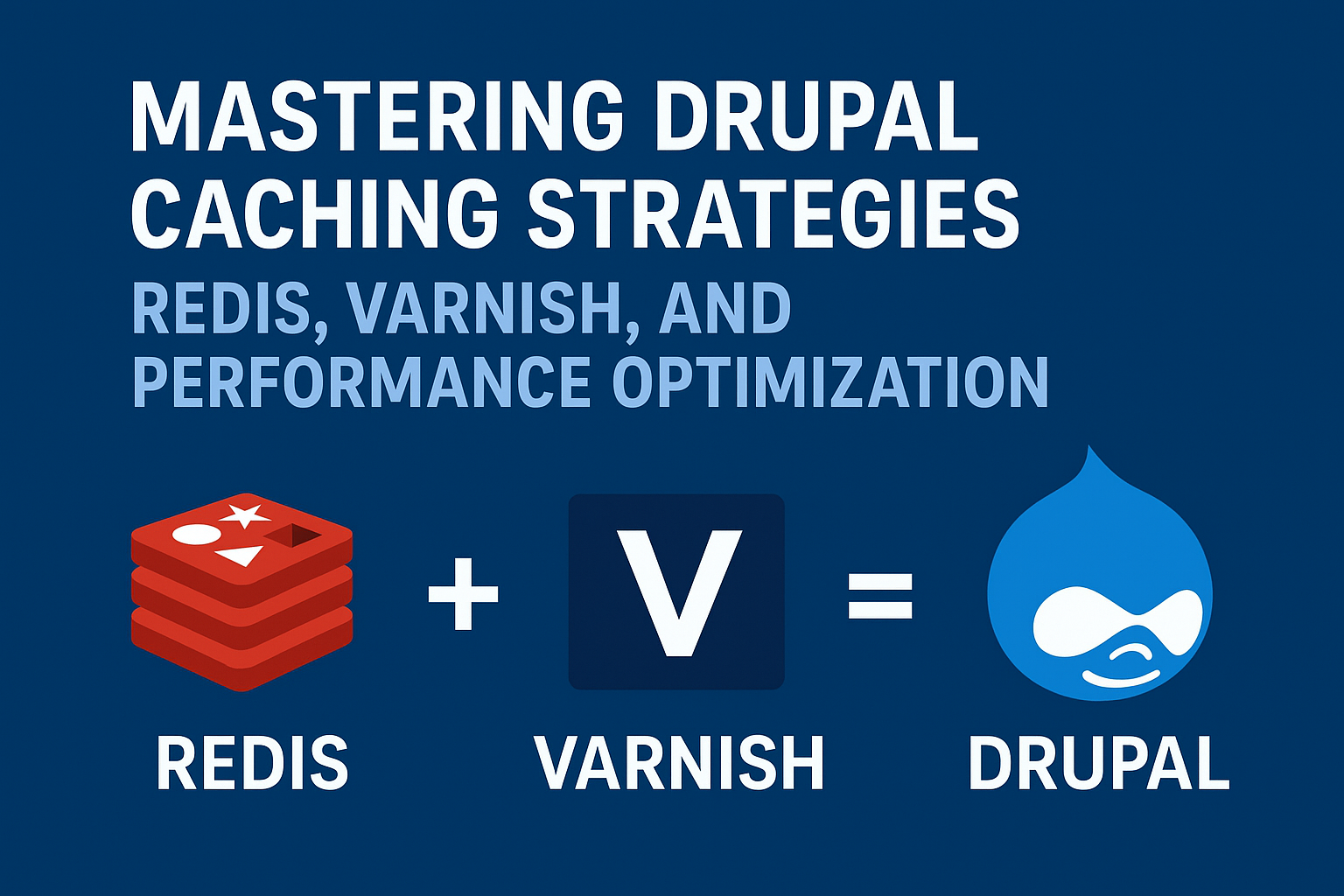
Drupal’s flexible caching layers, along with Redis for backend caching and Varnish for frontend delivery, create a strong performance setup. By using these methods, you can keep your Drupal 10 site fast, scalable, and capable of handling high traffic without any issues.
Whether you’re running a corporate portal, an e-commerce platform, or a media-heavy site, understanding caching and performance improvement is key to success.