Drupal Theme Caching
Drupal is powerful - but if you’ve ever modified a Twig template and wondered why your changes didn’t show up immediately, or struggled with blocks not updating, you’ve already experienced Drupal’s caching layers in action.
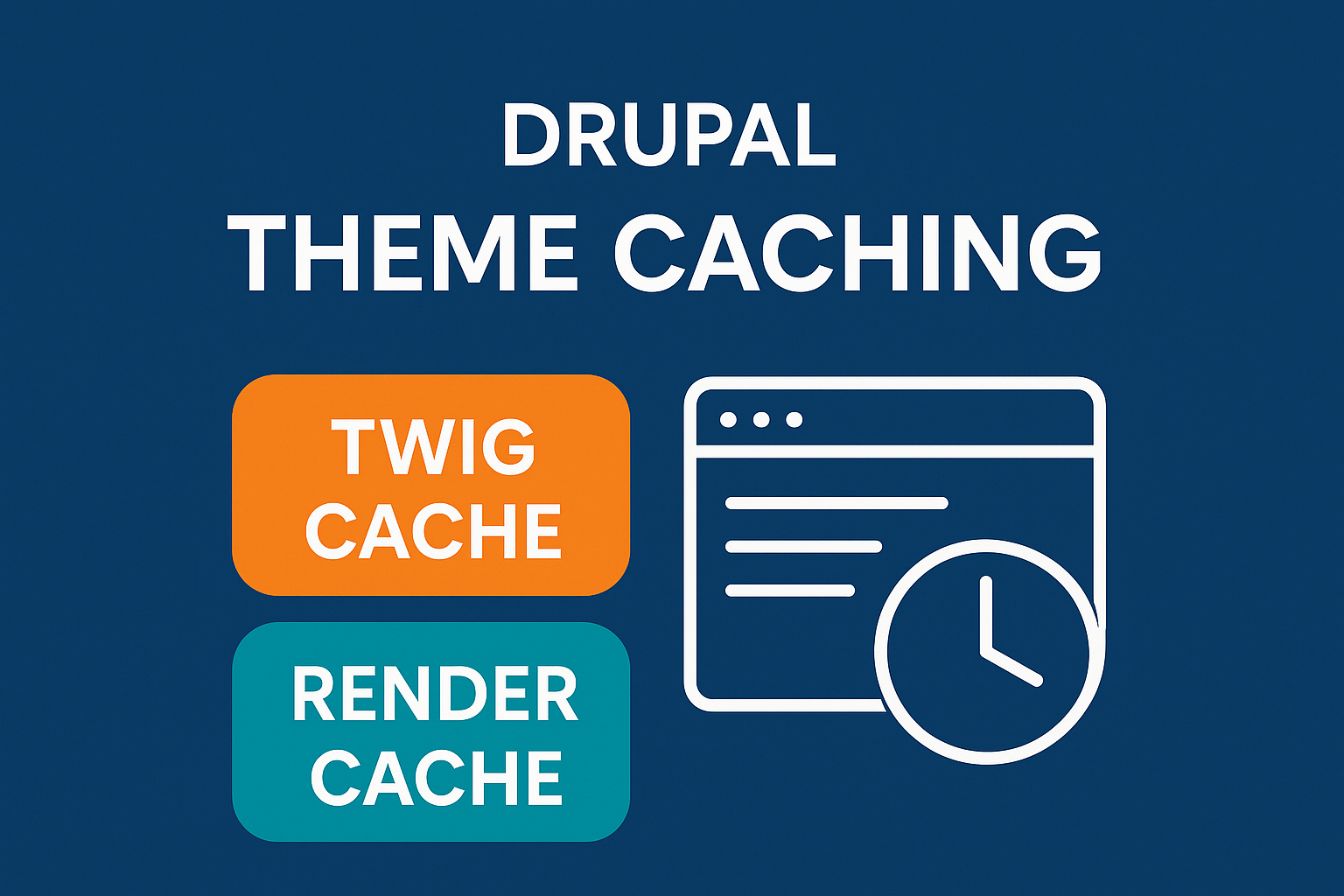
Among these layers, the two most important for front-end developers and themers are:
Twig Cache
Render Cache
Understanding how they work will save hours of frustration, improve site performance, and prevent “Why isn’t this updating?” confusion during development.
This post covers how both caches work, how to clear or disable them during development, and the best practices & precautions you must take while theming.
1. What Is Twig Cache?
Twig is the templating engine Drupal uses.
Every time you write a template such as:
page.html.twignode.html.twigblock--views.html.twig
Drupal compiles the Twig template into PHP and stores it in a cache for performance.
Why Twig caching exists
Compiling Twig → PHP is expensive
The compiled result can be reused
It speeds up page rendering significantly
What gets cached?
Compiled PHP version of
.twigfilesTemplate discovery and suggestions
Twig variables preparations
So when you update a Twig file and don’t see any changes, it’s usually because a cached compiled template is still being used.
2. How to Clear or Disable Twig Cache (Development Mode)
Method 1: Disable Twig cache temporarily
sites/default/services.ymlUnder twig.config, set:
parameters:
  twig.config:
    debug: true
    cache: false
    auto_reload: true
This clears:
Twig cache
Render cache
Routing cache
Plugin cache
Config cache
…everything.
Best for: Development + Production
Method 3: Clear cache from Admin UI
/admin/config/development/performanceClick Clear all caches
3. What Is Render Cache? (The Most Important Cache in Drupal)
Render cache is the caching system that stores render arrays after they are converted into HTML.
When you render something like:
Nodes
Blocks
Menus
Views
Paragraphs
Fields
Drupal creates a render array, attaches cache metadata, and then saves the rendered output.
How Render Cache Works
Every render array includes:
1. Cache Contexts (What varies the output)
Examples:
user.roleslanguagesurl.paththeme
Cache context defines the variation key, e.g.:
A menu may change on mobile vs desktop → theme: bartik vs theme: stark.
2. Cache Tags (What invalidates it)
Examples:
node:5taxonomy_term:3config:block.block.header
When the related entity updates → Drupal auto-invalidates the cached item.
3. Max-age (Expiration time)
max-age: 0→ no cachingmax-age: 3600→ 1 hourmax-age: -1→ permanent cache
4. Examples of Render Cache in Action
Example 1: A block varies by user role
cache:
  contexts:
    - user.roles
The block is cached once per role:
Anonymous
Authenticated
Administrator
Example 2: Node page cache invalidation
If you update Node 20: