Entity API
Drupal’s Entity API is the source of its content management might. Nearly everything in Drupal — nodes, users, taxonomy terms, even custom data structures — is an entity. Get to know the Entity API if you’re looking to customize Drupal or build rock solid, scalable applications on top of it.
In this blog, we’ll demystify the Entity API basics, its core concepts, and walk through a real-time example to demonstrate how it works in Drupal 10.
What is an Entity in Drupal?
An entity is a data object that stores information in Drupal. For example:
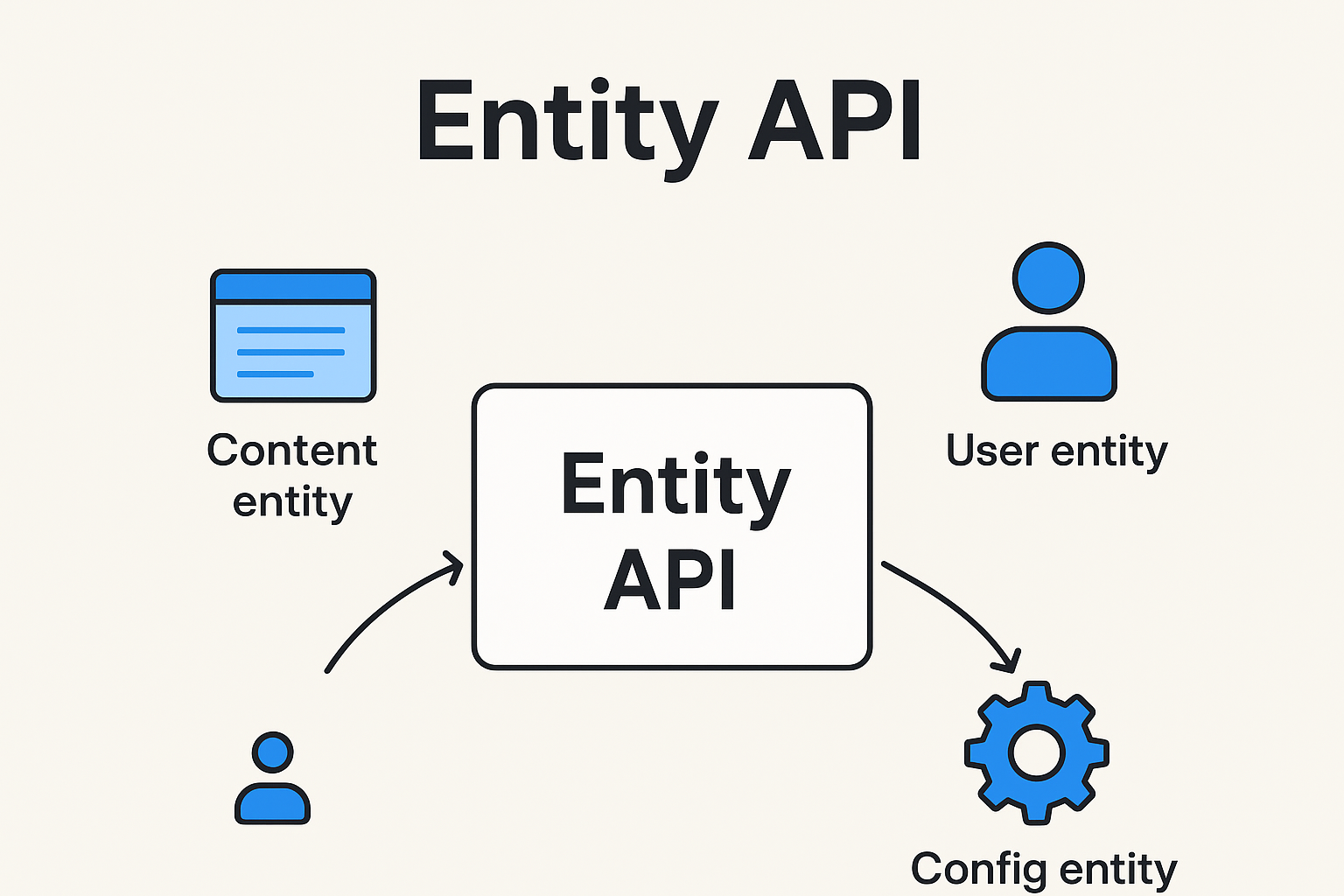
Content entity → Nodes, Users, Taxonomy Terms, Media, Commerce Products
Configuration entity → Views, Content Types, Roles, Block configurations
Entities can have:
Bundles → Subtypes of entities (e.g., “Article” and “Page” are bundles of Node entity).
Fields → Extra data attached (e.g.,
field_image,field_tags).
Why Use Entity API?
The Entity API provides a unified way to:
Create, read, update, and delete entities.
Access fields and properties.
Define and query custom entities.
Build scalable, reusable code.
It saves time and keeps your code clean while leveraging Drupal’s built-in data handling.
Key Components of Entity API
EntityTypeManager
The main service to load, save, and query entities.
$entityTypeManager = \Drupal::entityTypeManager();Entity Storage
Each entity type has storage to handle CRUD operations.
$nodeStorage = $entityTypeManager->getStorage('node');Entity Query
A query builder to fetch entities based on conditions.
$query = \Drupal::entityQuery('node')
  ->condition('status', 1)
  ->condition('type', 'article');
$nids = $query->execute();
Real-Time Example: Fetching and Updating Nodes
Step 1: Load a Node by ID
$node = \Drupal\node\Entity\Node::load(1);
if ($node) {
  \Drupal::logger('custom_log')->notice('Loaded node title: @title', ['@title' => $node->getTitle()]);
}
Step 2: Create a New Node
$node = \Drupal\node\Entity\Node::create([
  'type'  => 'article',
  'title' => 'My First Article via Entity API',
  'body'  => [
    'value' => 'This article was created programmatically.',
    'format' => 'basic_html',
  ],
]);
$node->save();
Step 3: Update an Existing Node
$node = \Drupal\node\Entity\Node::load(1);
if ($node) {
  $node->setTitle('Updated Node Title');
  $node->save();
}
Step 4: Delete a Node
$node = \Drupal\node\Entity\Node::load(2);
if ($node) {
  $node->delete();
}
Example: Custom Entity Query
Let’s say you want all published Article nodes created by a specific user:
$query = \Drupal::entityQuery('node')
  ->condition('status', 1)
  ->condition('type', 'article')
  ->condition('uid', 5);

$nids = $query->execute();
$nodes = \Drupal\node\Entity\Node::loadMultiple($nids);

foreach ($nodes as $node) {
  \Drupal::logger('custom_log')->notice('Found article: @title', ['@title' => $node->getTitle()]);
}
Creating a Custom Content Entity
Beyond core entities, you can create your own entity type. For example, a “Book” entity in a custom module:
Define the entity type in
your_module/src/Entity/Book.php.Add fields and schema in YAML.
Use storage and query just like core entities.
This makes Drupal act like a framework to manage any kind of data model.
Best Practices with Entity API
Always use
entityTypeManagerservice, avoid static::load()in modern code (use dependency injection).Cache results when querying large datasets.
Validate and sanitize field values before saving.
Use configuration entities for settings, and content entities for user-generated data.
Entity API brings a unified and powerful way to manage data in Drupal 10 With nodes, users or custom entities, knowing the Entity API lets you construct scalable, maintainable, future-proof apps.
If you want to really open up Drupal as a framework, start hacking on the Entity API–it’s the core of everything Drupal.